
Online metronome for drummers
A precise click in your browser: subdivisions, triplets, gap click, speed trainer and practice timer.
Tempo
BPM
Time signature
Subdivision
Play bars, mute — tests whether you keep the tempo on your own.
+ BPM every bars up to BPM.
minutes, then the metronome stops.
Keys: Space — start and stop, ↑ ↓ — tempo ±1, with Shift — ±10, T — tap tempo. Click a beat circle to make it an accent or mute it.
A metronome that understands drummers
Besides a plain click, this metronome does what you need when practicing drums and cajon:
- Subdivisions — eighths, triplets and sixteenths, quieter than the main click: handy for learning fills and quiet strokes.
- Accents — click a beat circle to switch it between accent, normal and silent. This way you can leave the click on “two” and “four” only, like a hi-hat foot in jazz.
- Gap click — the metronome goes silent for a few bars while you keep the tempo yourself. The best way to test your inner pulse.
- Speed trainer — the tempo rises by itself every few bars until it reaches your target: the fastest way to build up speed.
- Tap tempo — tap the “Tap” button along with a song, and the metronome picks up its tempo.
The metronome keeps playing in the background: the sound doesn’t stop when you switch to another tab. To find out the tempo of a song, see song BPM.
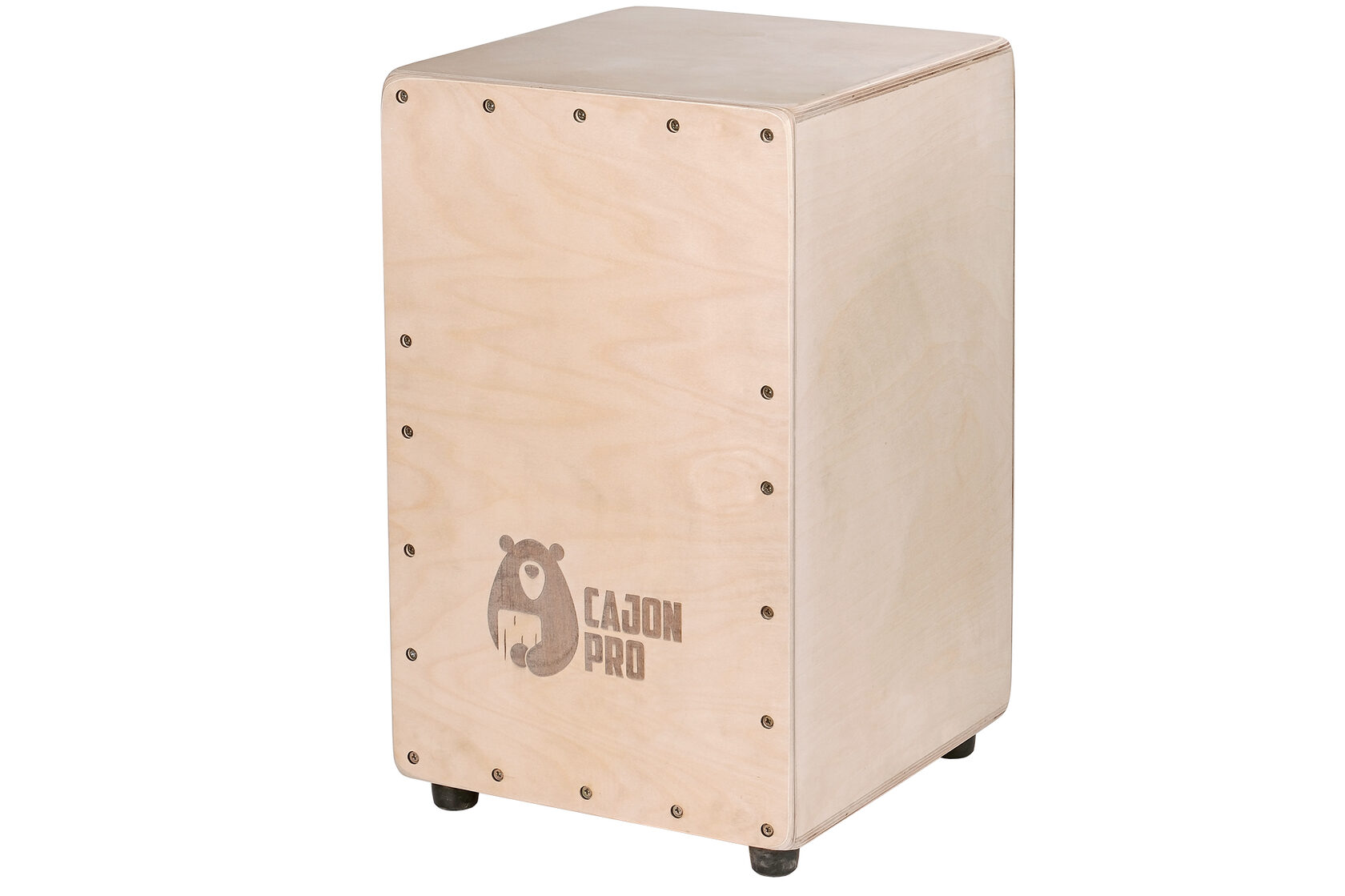
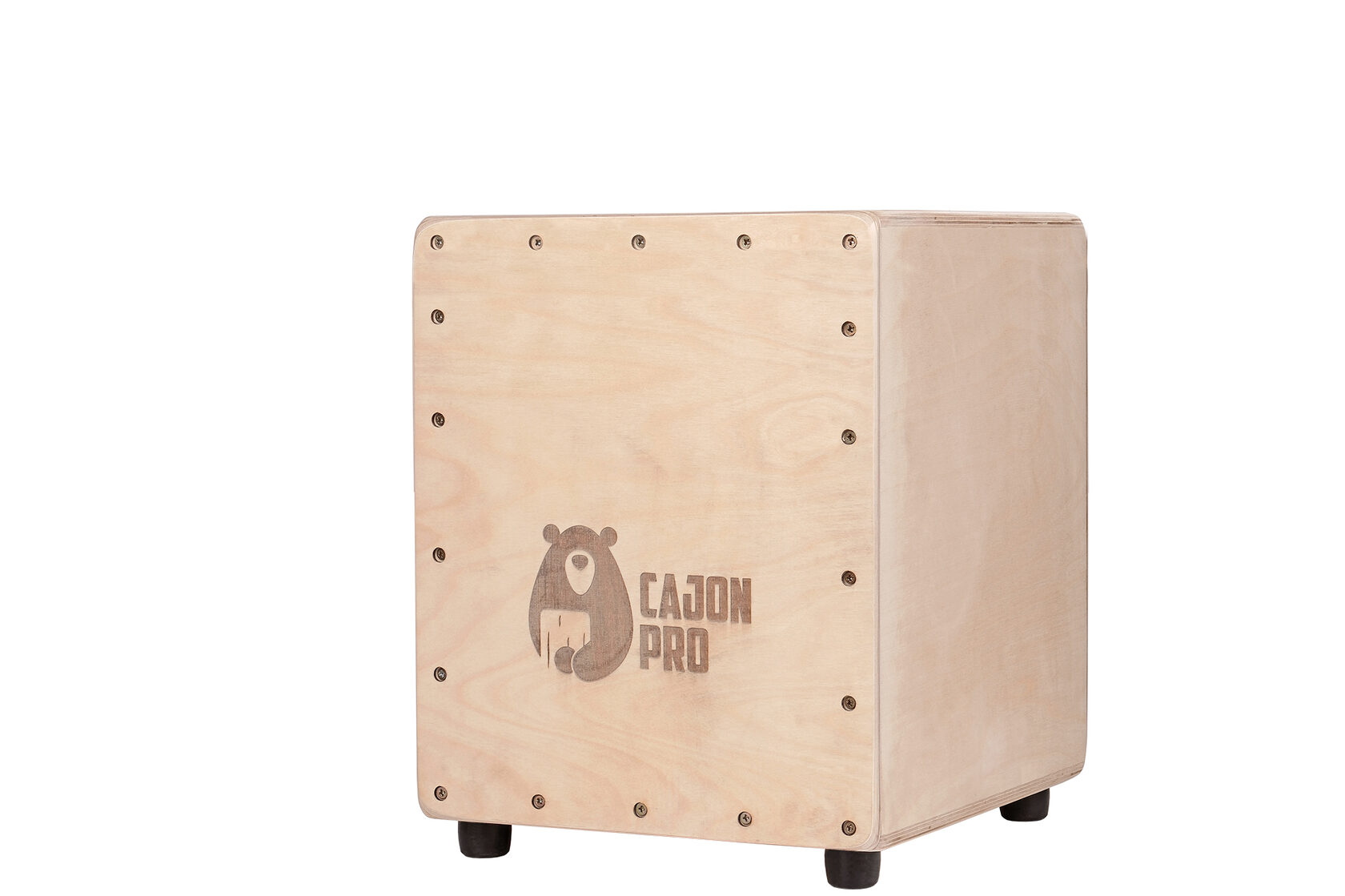
Cajon.pro workshop
Practice on a real cajon

More tools for drummers
Virtual cajon
Play with your fingers on a tablet or phone: bass, slap and snare buzz, depending on where you hit.
Cajon rhythms
33 rhythms from pop to flamenco: pattern, animated strokes and tempo control.
Drum machine for guitarists
Ready-made beats with cajon sounds: pick a style and a tempo and play along.
Drum parts for songs
Drum sheet music for Russian and international songs: playback, cursor, slow-down, section loop and an editor.
Find the BPM of a song
Tap the tempo or load a song file — the file never leaves your device.